


Marketing automation for restaurants. An event triggers the message.
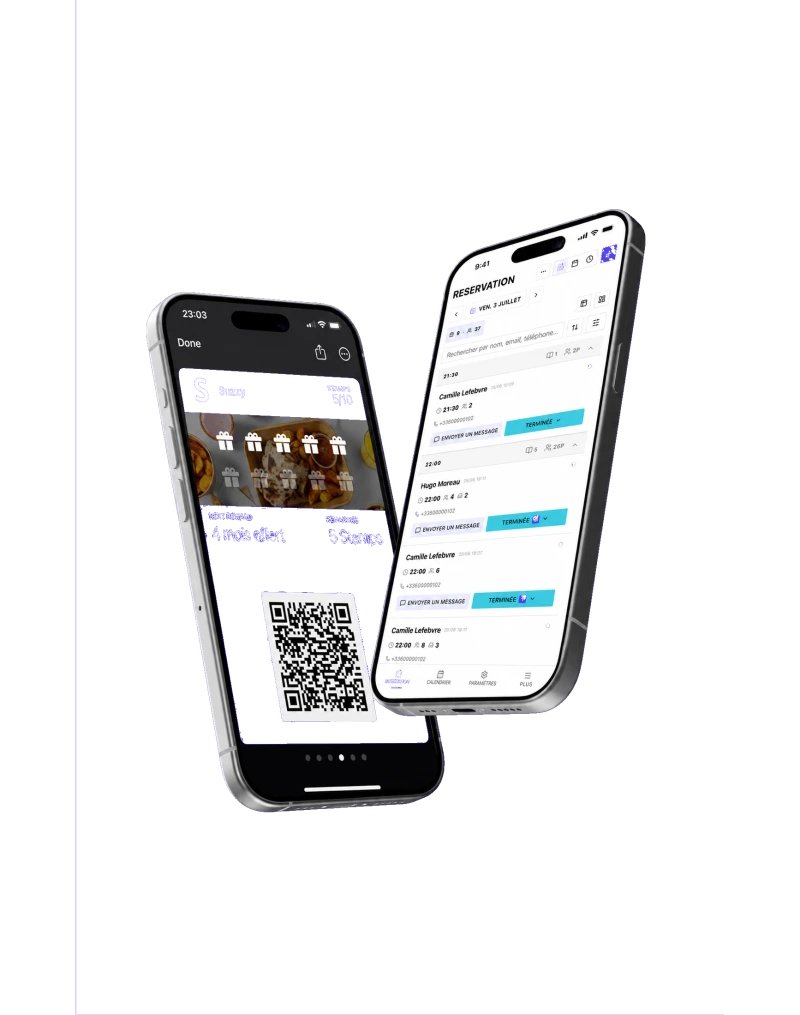
Start from one of 7 templates or from scratch. After an order, a check-in or a no-show, Suzzy sends an email, an SMS or a Wallet notification to customers who have given marketing consent.
Book a demo

Writing to your customers takes time and care.
Without SuzzyService takes over, nothing gets sent
With Suzzy7ready-made templates, editable text
Without SuzzyAfraid to write without consent
With SuzzyConsentchecked at each send; without it, no message
Without SuzzyToo many messages to the same customer
With Suzzy2 messagesin 7 days, then the automation stops
Every scenario, step by step.
The values shown are example settings.
+10more settings
- Conditions
- Wait
- Publish automation
- Test on me
- Start from a template
- Welcome, second visit, win-back, loyal customers, VIP, reviews, no-show. Each template sends an email by default; the text can be edited.
- Trigger
- Customer created, tag added or removed, order recorded, booking honoured, check-in, no-show, review left through Suzzy, game played. It cannot be changed after creation.
- Conditions
- Tag, marketing consent, amount spent, number of visits, date of the last visit. Each condition opens a Yes branch and a No branch.
- Wait
- A pause between two steps, one minute at least. In the templates: 2 hours after a check-in, 3 days after an order.
- Actions
- Send an email, an SMS or a wallet notification, add or remove a tag, alert the team. Every SMS uses SMS credits.
- Marketing message limit
- Default value, adjustable. The count takes in SMS, Wallet notifications and your campaigns, not the emails sent by automations.
- Publish automation
- Before you publish, Suzzy shows how many customers meet the entry conditions today, marketing consent not included, and the estimated SMS credits per customer reached. Pausing stops new triggers, not the runs already waiting.
- Test on me
- A real test goes from the published version to the customer profile you choose, with the same safeguards as real sends; a test SMS uses credits.

From template to history, in three steps.
- 1
Pick a template
7 templates, including “Collect more reviews” and “Win back a no-show”. Or start from scratch.
- 2
Adapt and publish
Edit the text. Before you publish, Suzzy shows the audience and the estimated SMS credits.
- 3
Track what goes out
The history lists every run, step by step, with the reason for each message not sent.
Good to know before you automate.
- No date-based trigger: no birthday message, no reminder before a booking.
- SMS are not part of the subscription: every SMS uses SMS credits, bought in packs.
- The marketing message limit does not count the emails sent by automations.
A 30-minute demo with your menu, your dining room and your opening hours. No commitment.