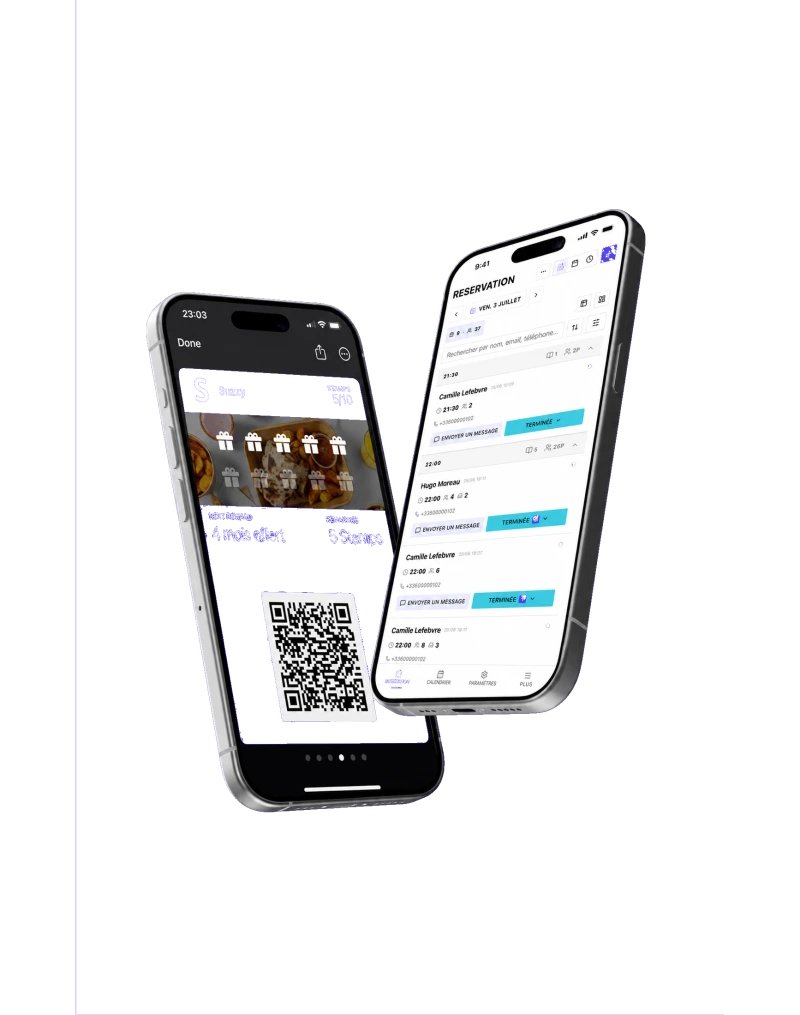



Restaurant floor plan. Bookings seated by your rules.
You draw your rooms and tables, then choose your rules. Once automatic assignment is on, Suzzy assigns a free table to each new booking, or leaves it under “To seat” if none fits.
Book a demo

A service seated by hand, one booking at a time.
Without SuzzyA large party to seat by hand
With SuzzyAssignmentautomatic, with the table groups you set up
Without SuzzyA table booked while it is still occupied
With SuzzyTurnovertable reopens after the meal and the buffer
Without SuzzyOne changed booking, seating to redo
With SuzzyOptimizeservice, with a before and after preview
Without SuzzyA walk-in arrives, a table to find
With Suzzy3 viewsPlan, Timeline, By table, plus “Availability”
You set the rules. Suzzy does the seating.
The values shown are example settings.
+50more settings
- Prefer a single table
- Room priority
- Table availability by service
- Finish overdue tables
- Automatic table assignment
- Each new booking is placed on a free table. If none fits, it is accepted and appears under “To seat”.
- Fill tables already in use first
- A booking goes to a table already used at another time in the service before a new one is opened.
- Prefer a single table
- A single table comes before a combination when it fits. The table groups set up on the plan are used once “Table combinations” is switched on.
- Buffer between parties
- Time set aside for cleaning before the next booking. You choose the number of minutes.
- Durations per party size
- From the party size you set, the meal lasts as long as you decide.
- Room priority
- Rooms at the top of the list are preferred. For a strict order, switch on “Fill the rooms in order”: otherwise a table of exactly the right size in another room can win. A room excluded from automatic seating is filled by hand.
- Table availability by service
- For a given date and service, a table stays open online, is kept for staff only, or is closed.
- Finish overdue tables
- A seated table switches to “Completed” after its planned time plus the delay you allow. Time counts from the booked arrival time, not the actual arrival.

Draw, set, seat.
- 1
You draw your room
Rooms, walls, tables with minimum and maximum covers, groups of neighbouring tables for large parties.
- 2
You choose your rules
Creating a floor plan switches nothing on. You turn on assignment, room order, durations and the buffer.
- 3
Suzzy does the seating, you stay in charge
Suzzy proposes a table. You change it on the plan, keep it, or run “Optimize service”.
Good to know before you set up seating.
- Suzzy only joins the table groups set up on the plan, always within one room.
- With “Based on floor plan tables”, a time slot with no free table is no longer offered online.
- Meal durations are the ones you enter, and no estimated waiting time is shown.
A 30-minute demo with your menu, your dining room and your opening hours. No commitment.